

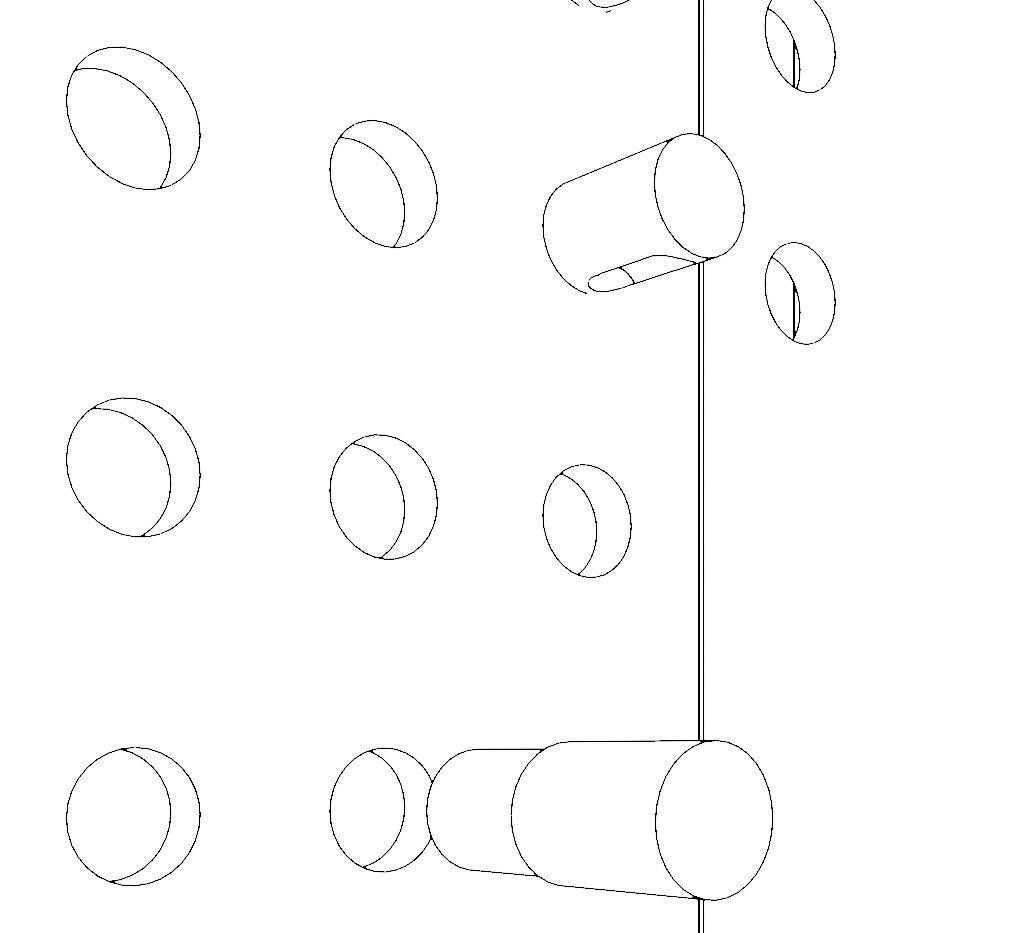
Do you need a technical drawing of your object to show the project and the masses as the one in the preview of this post? Here there is the way to do it:
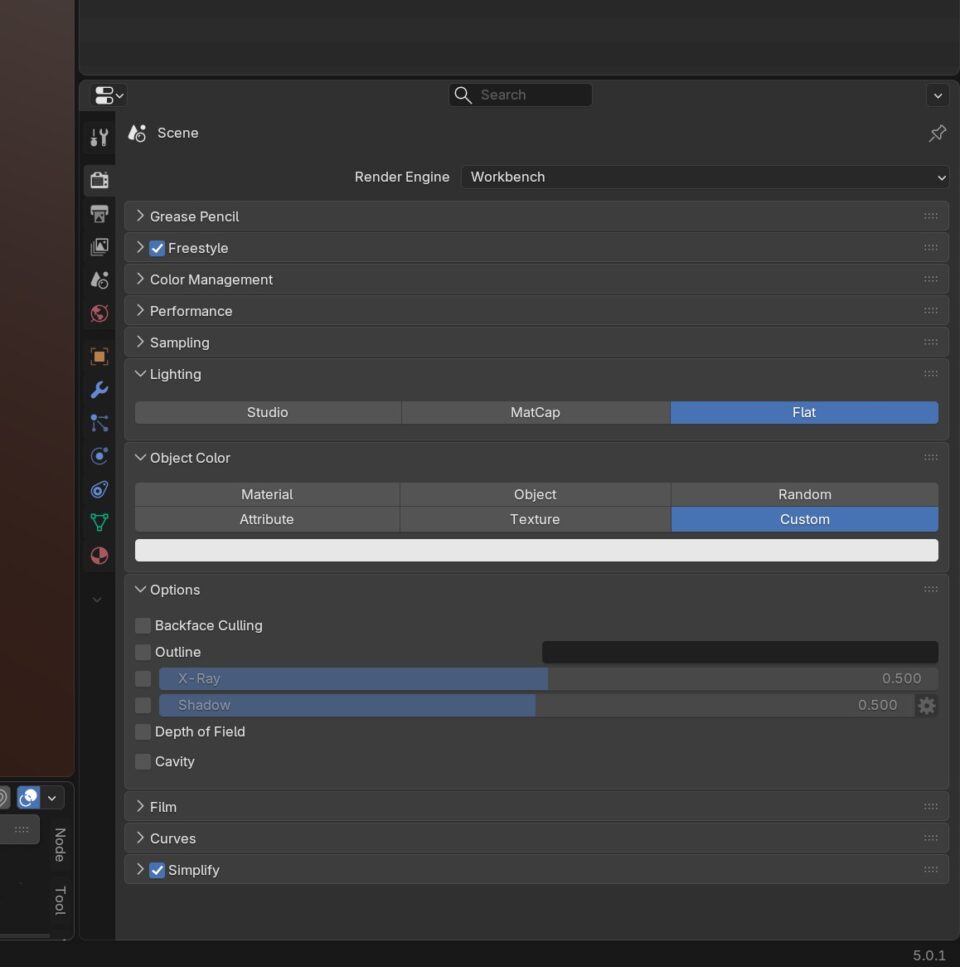
1. Workbench
- go into the right panel, Scene
- select your render engine: Workbench
- open “lighting” and select “flat”
- open “object color” and select “custom” – leave the white, so that the main colors of the shapes are all of them white (if you prefer, you can color them on the basis of texture and others)
2. Freestyle and render
- remain in Scene, and activate Freestyle
- render the Scene