


Once you already know what an hdr is for, for example here, you perhaps would like to use its light but not its environment. So… how to do it? Let’s do it together.
Use hdr light – but no its background – in renders
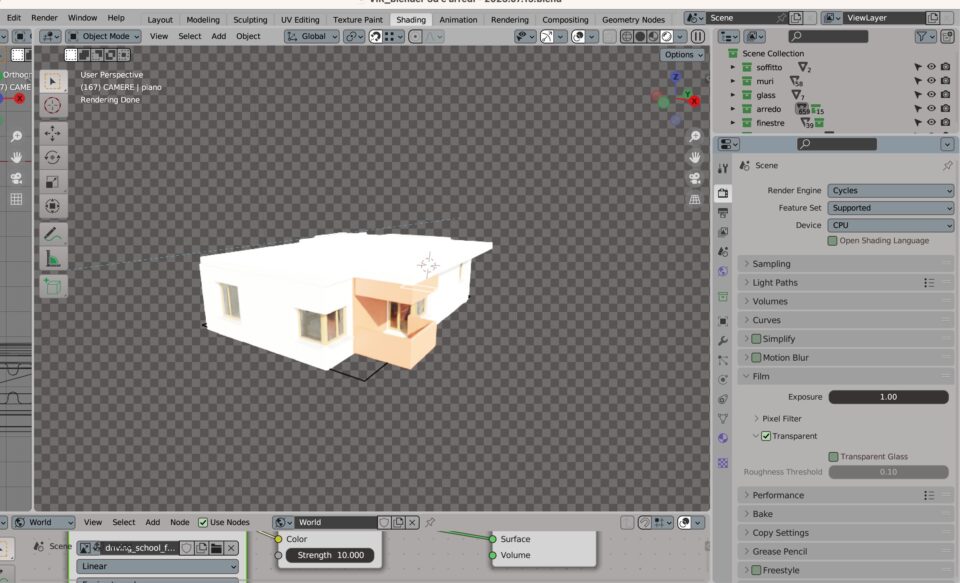
- in the right panel, go into your rendering property (the second from the top)
- you will find (for Cycles and for Eeve too) the category Film
- check the transparent set
- now you can apply the background you want. For example by working with Compositing (next tutorials 🙂 )
Adjust the light direction of a HDR
Maybe the sun rays are in the opposite side you need. Then let’s adjust them:
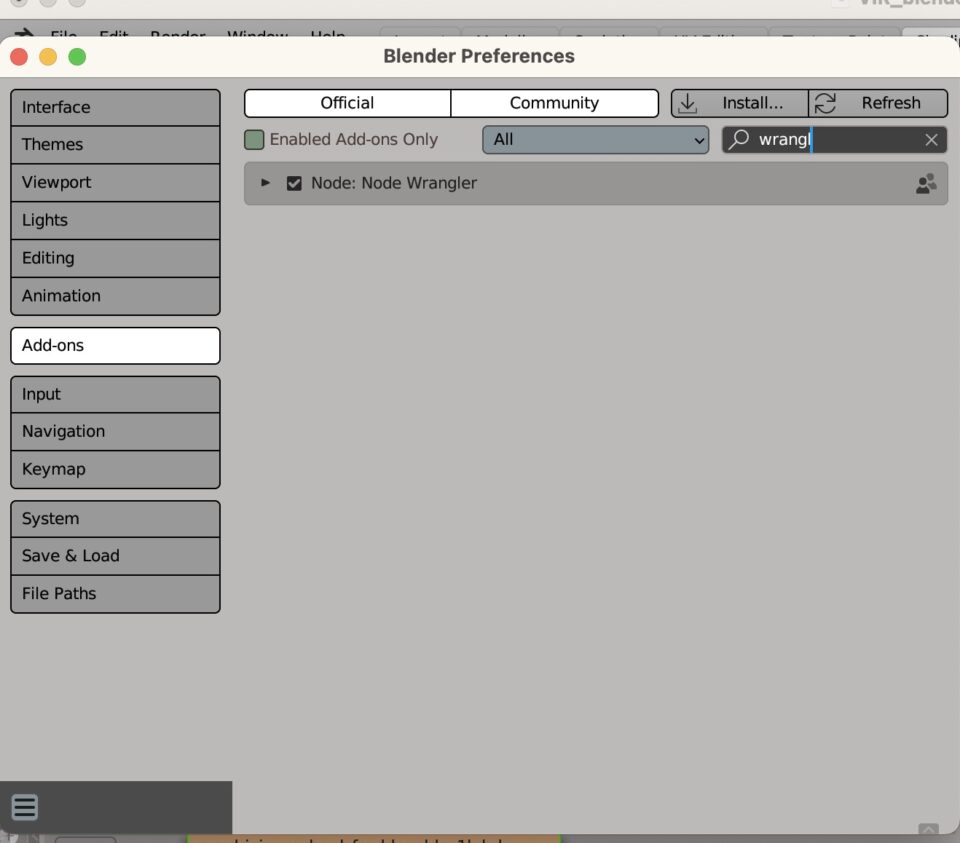
- check if you have NODE WRANGLER activated in the addons panel
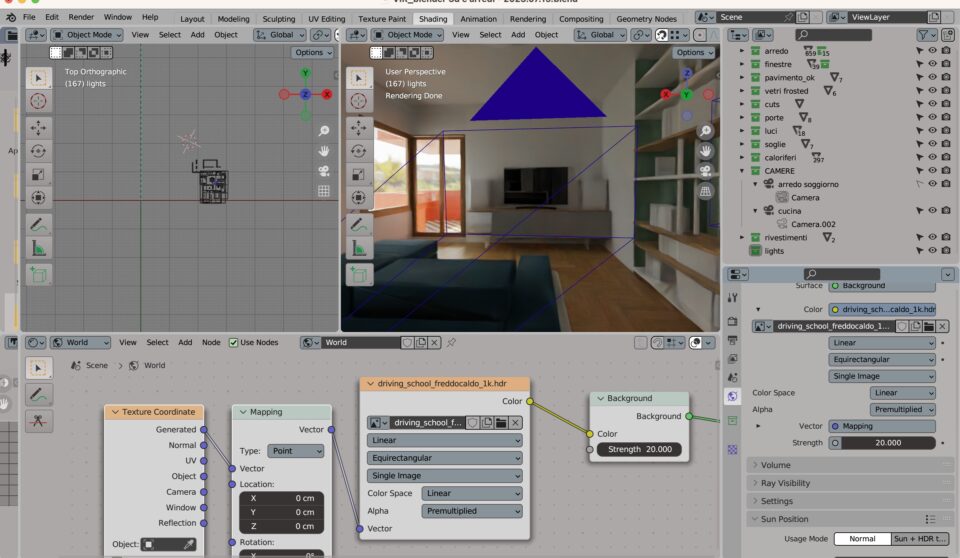
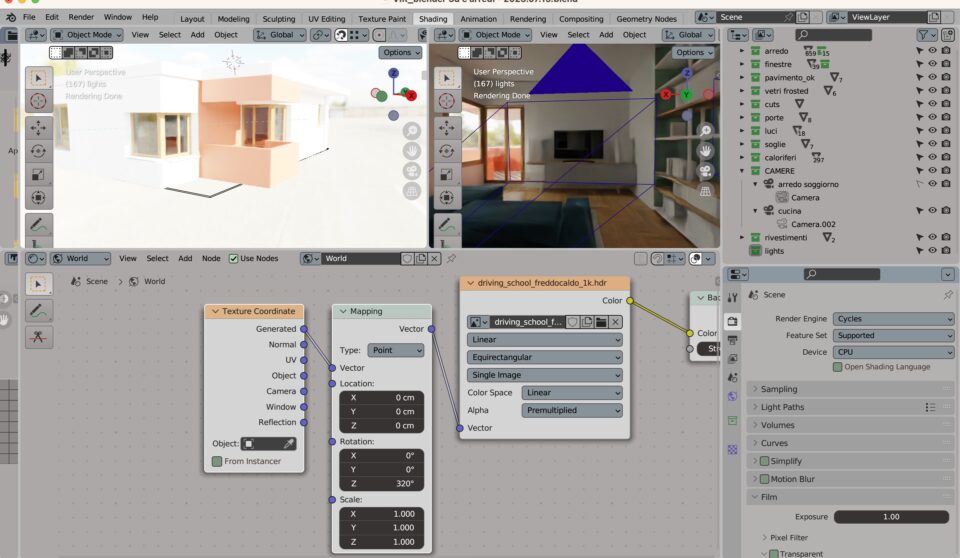
- click CTRL+T
- adjust the degree of rotation in Z, to fit the orientation you need!
That’s it!!